
Celsicom Easy Connect TC603, 2 x thermocouple Type T, + 1 x internal temperature





Delivery
Order before 2:00 PM and we will ship the same day if the item is in stock.
Contact us

-
Monitor Concrete Strength
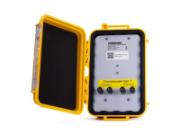
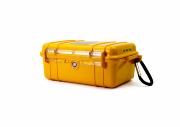
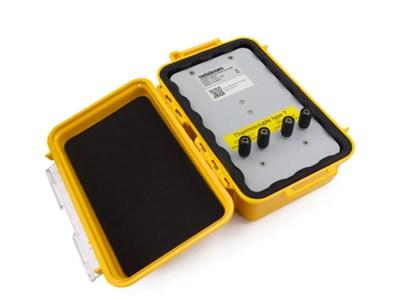
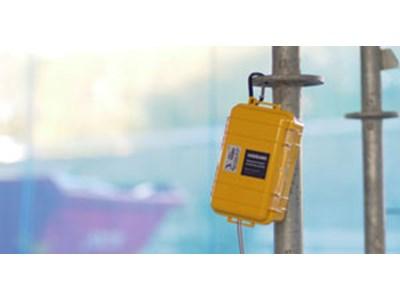
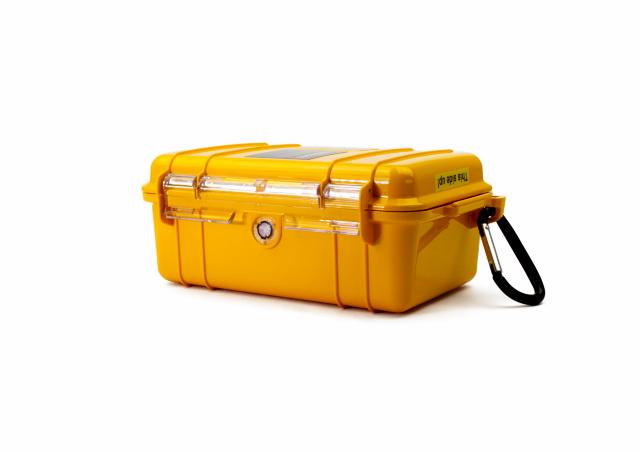
Celsicom Easy Connect TC603 is a data logger for concrete temperature and strength, providing direct temperature monitoring in concrete. This model has a robust and waterproof enclosure and is designed for use with 2 external thermocouple sensors. Multiple types can be used, with the standard setting being type T (ordered separately), which can be easily mounted with screws. It also has an internal sensor for ambient temperature. A typical application is measuring concrete temperature and strength calculations.
Read more about concrete curing here
Neither gateway nor base station is necessary
All boxes in the new Celsicom generation have a direct, secure data transfer to the cloud without the use of a base station or gateway. The data traffic is transmitted on a licensed frequency, specifically for NB-IoT in Telia's existing mobile network. Coverage is excellent, and the risk of interference is essentially zero.
Easy to get started
After scanning the QR code on your first box, a window opens on your mobile device where you can create a new cloud service account. After filling in your details and naming the box, you are quickly up and running and can immediately see the values from the box on your phone, tablet, or computer. If you already have an account, log in and name the new box.
Backup
In addition to all measured values being sent to the cloud service, they are also stored in a backup memory in each box. If a disturbance occurs, all measurement data will be transmitted during the next transmission.
Concrete Strength
The curve below is an example of how the curve on a mobile phone, tablet, or computer might look during concrete pouring.
| Brochure | Download | File type | |
|---|---|---|---|
|
|
CelsicomEasyConnect-dansk-brochure.pdf | 1903 KB |